AI Tools Every Freelance Developer Should Know in 2025
Author
Navas
Published
December 14, 2025
Category
AI
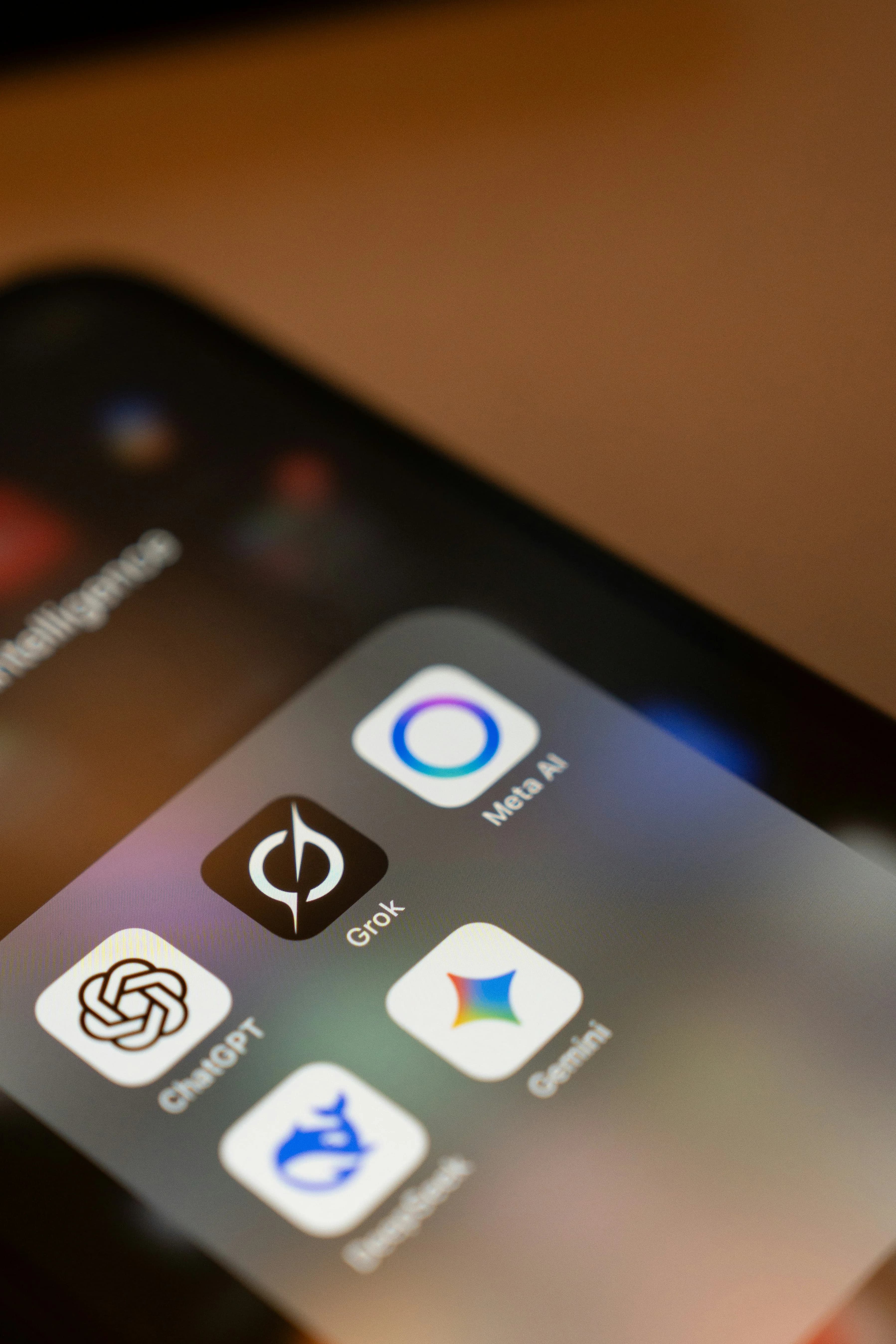
From coding assistants to project management, these AI tools are helping developers work smarter and deliver faster.
The AI-Powered Freelance Reality
The numbers tell a clear story: 65% of freelancers now use AI tools to save time, with 30% reporting increased earnings as a result. This isn't about replacing developers-it's about amplifying what we can do.
The freelance economy is projected to reach $9.5 billion by 2030, and AI is a major driver of this growth. Here are the tools that have genuinely changed how I work.
Coding Assistants
GitHub Copilot
At $10/month for individuals, Copilot has become essential for drafting boilerplate code. One developer reported cutting development time by approximately 30% using it for routine tasks.
Best for: autocompletion, generating test cases, explaining unfamiliar code.
Cursor
More than just autocomplete-Cursor understands your entire codebase and can refactor across multiple files. The "chat with your code" feature is genuinely useful for large projects.
Claude for Development
For complex architectural decisions or debugging tricky issues, I've found Claude (particularly with the new computer use features) invaluable. It can reason through problems in ways that autocomplete tools can't.
Beyond Coding
Notion AI
The Q&A feature searches across your entire Notion workspace and returns direct answers. I use it for:
- Summarizing client requirements
- Drafting project briefs
- Finding information across multiple projects
Grammarly
Client communication matters. Grammarly catches typos, suggests better phrasing, and ensures proposals sound professional. The tone detection feature is particularly useful for maintaining consistency.
Midjourney
For quick mockups and visual concepts, Midjourney creates realistic layouts from text descriptions. It's become my go-to for brainstorming design directions before diving into Figma.
The Productivity Stack
One freelancer reported reducing admin, scheduling, and follow-up work from 6-8 hours a week to under 2 hours using AI automation. Here's a practical setup:
- Scheduling: Cal.com with AI-assisted availability
- Invoicing: FreshBooks with automated reminders
- Email: Superhuman or Lavender for faster responses
- Contracts: PandaDoc with AI-generated templates
What AI Can't Replace
Here's what I've learned after a year of heavy AI usage: these tools are excellent at the "how" but struggle with the "what" and "why."
AI can write code, but it can't:
- Understand your client's business context
- Make product decisions that balance competing priorities
- Build relationships and trust
- Take responsibility when things go wrong
Getting Started
If you're new to AI tools, don't try to adopt everything at once. Start with:
- Week 1: GitHub Copilot for coding assistance
- Week 2: ChatGPT or Claude for documentation and planning
- Week 3: One automation tool for your biggest time sink
The goal isn't to work longer hours-it's to deliver better work in less time, and use the saved hours for what actually matters: understanding client problems and building solutions that work.