Making Websites Fast: What Actually Matters for Performance
Author
Navas
Published
December 22, 2025
Category
Performance
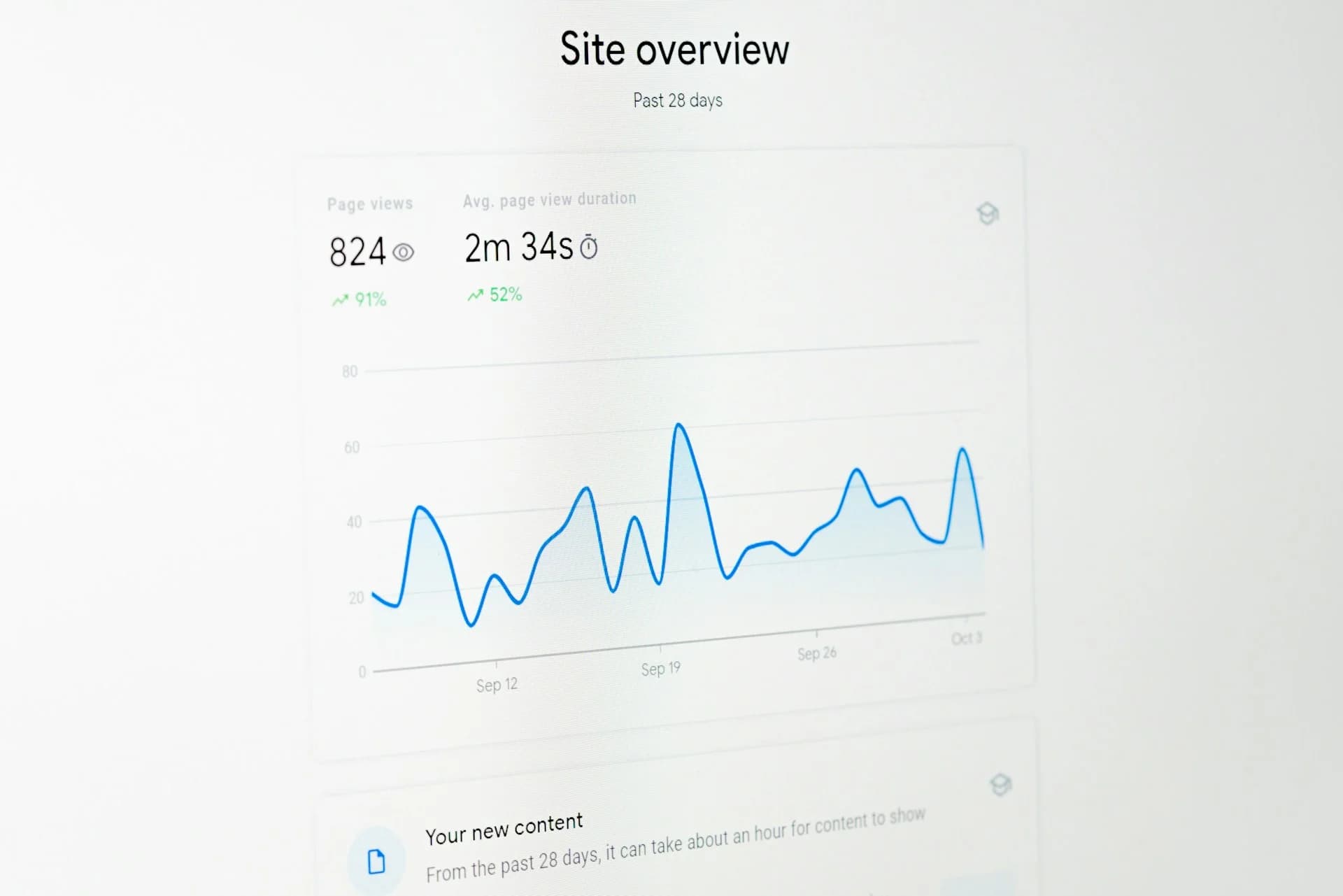
Performance isn't about chasing Lighthouse scores. It's about your users not waiting. Here's what I focus on and what I ignore.
Performance is about users, not scores
I see developers obsessing over Lighthouse scores while their actual users experience something completely different. A 100 score on a fast connection doesn't mean much if your typical visitor is on a phone with spotty signal.
Here's what I actually focus on when building client sites.
Images are usually the problem
Most slow websites are slow because of images. Unoptimised PNGs, images loaded at full resolution when displayed at thumbnail size, no lazy loading.
What I do on every project:
WebP or AVIF format. Same visual quality, much smaller files. A 2MB PNG becomes a 200KB WebP with no visible difference.
Responsive sizes. Don't load a 4000px image to display at 400px. Serve appropriately sized versions for each breakpoint.
Lazy loading. Images below the fold shouldn't load until the user scrolls near them. Next.js Image component handles this automatically.
CDN delivery. Serve images from the edge, not from your server. Vercel Blob, Cloudflare R2, or similar. Users download from somewhere geographically close to them.
On my portfolio rebuild, I ran an image optimisation pass that reduced total page weight by over 60%. Same visual quality, dramatically faster loading.
Fonts matter more than you think
External font loading can block rendering. Your page sits blank while waiting for Google Fonts to respond.
The fix: self-host fonts. With Next.js, use the next/font module - it automatically handles optimal loading strategies. No external requests, no layout shift when fonts load.
JavaScript can wait
Not all JavaScript needs to load immediately. Analytics, chat widgets, marketing pixels - defer them. Let the core experience load first.
Server components in Next.js help here. Most of your page renders on the server and ships as HTML. JavaScript only hydrates what needs to be interactive.
What I don't stress about
Every Lighthouse audit. Some suggestions aren't worth the effort for the payoff. "Eliminate render-blocking resources" might mean restructuring your entire CSS approach for a 50ms improvement.
Perfect scores. 90+ is great. The difference between 95 and 100 is often not perceptible to users but takes disproportionate effort.
Premature optimisation. Don't optimise code that doesn't need optimising. Ship, measure real user performance, then fix what's actually slow.
The tools I use
Lighthouse for quick checks during development. Built into Chrome DevTools, gives you immediate feedback.
PageSpeed Insights for real-world data. Shows how actual users experience your site, not just synthetic tests.
Vercel Analytics for ongoing monitoring. Web vitals tracked automatically, segmented by device and geography.
The actual priority
Fast enough that users don't notice. That's the bar.
A site that loads in 2 seconds feels instant. Obsessing over getting to 1.5 seconds rarely matters for a business website. Obsess over content, design, and conversion instead.
Performance is a feature, not the product. Make it good enough, then move on to what actually makes the difference for your business.