Core Web Vitals: Why Performance Is Your SEO Secret Weapon
Author
Navas
Published
December 17, 2025
Category
SEO
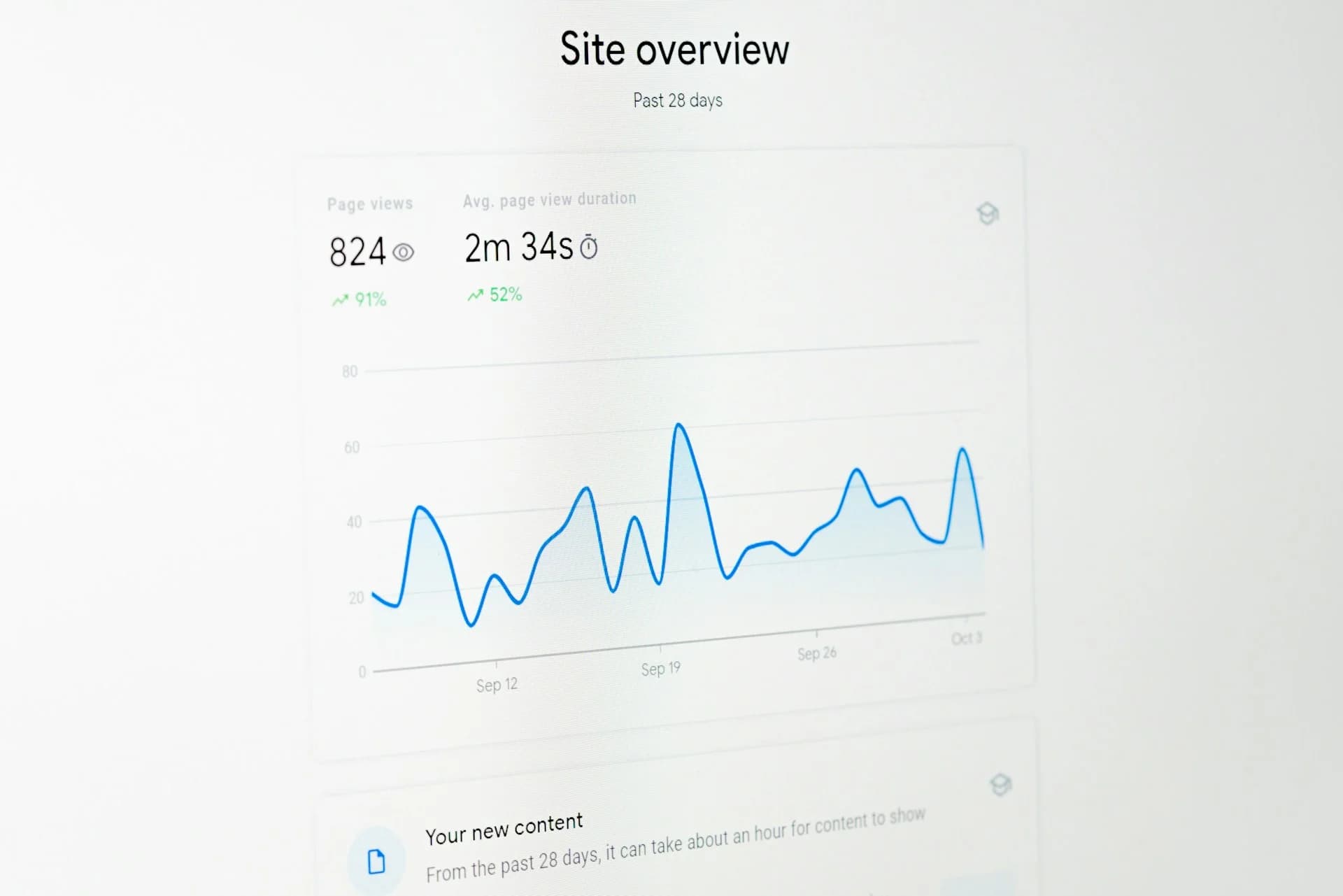
Understanding the metrics that Google uses to rank your site, and practical steps to achieve those 90+ Lighthouse scores.
Performance Isn't Just About Speed
When people talk about website performance, they usually mean "how fast does it load?" But Google's Core Web Vitals measure something more important: how fast does it feel to users?
In 2025, mastering Core Web Vitals is no longer optional-it's essential for any business looking to rank well and convert visitors. These metrics directly influence your search rankings because they reflect how users actually experience your site.
The Three Metrics That Matter
Largest Contentful Paint (LCP)
This measures when the main content becomes visible. Target: under 2.5 seconds.
Common issues: oversized images, slow server response, render-blocking JavaScript.
Interaction to Next Paint (INP)
Replacing First Input Delay in March 2024, INP measures how responsive your page feels when users interact with it. Target: under 200 milliseconds.
This is about the delay between clicking a button and seeing something happen. JavaScript-heavy sites often struggle here.
Cumulative Layout Shift (CLS)
Ever clicked a button only to have the page shift and you click something else? That's layout shift. Target: under 0.1.
Common causes: images without dimensions, dynamically injected content, web fonts loading.
Why This Matters for AI Search
We're in the era of AI overviews, where LLMs pull answers from sites they trust. If your site lags, shifts, or stutters, Google's AI is less likely to use your content as a reliable source.
Page quality signals have become even more critical. A slow, unstable site frustrates visitors, leading to lower engagement and worse SEO performance-a feedback loop that's hard to escape.
Mobile Performance Is Everything
Over 70% of all web traffic comes from mobile users in 2025. With mobile-first indexing, Google primarily judges your site based on the mobile version.
Here's the uncomfortable truth: your site might score great on desktop and still be hurting your rankings because the mobile experience is poor.
Practical Improvements
For LCP
- Use modern image formats (WebP, AVIF)
- Implement lazy loading for below-fold images
- Use a CDN for static assets
- Preload critical resources
For INP
- Break up long JavaScript tasks
- Use web workers for heavy computation
- Defer non-critical JavaScript
- Optimize event handlers
For CLS
- Always include width and height on images
- Reserve space for dynamic content
- Preload web fonts
- Avoid inserting content above existing content
The Framework Factor
As of July 2025, Shopify and Wix are competing for the leader's spot on mobile Core Web Vitals. WordPress, unfortunately, is lagging behind-largely due to plugin bloat and theme inefficiencies.
If you're building custom with Next.js or similar modern frameworks, you have an advantage: performance optimization is built into the architecture.
Looking Ahead
Beyond 2025, expect additional metrics around scroll stability, animation smoothness, and possibly even battery consumption. The direction is clear: Google wants sites that provide genuinely good user experiences, not just fast-loading ones.
The good news? If you build with performance in mind from the start, you'll always be ahead of the curve.